Text one team without building a list
Open a team, write the message and send it by email or text to its players and parents.
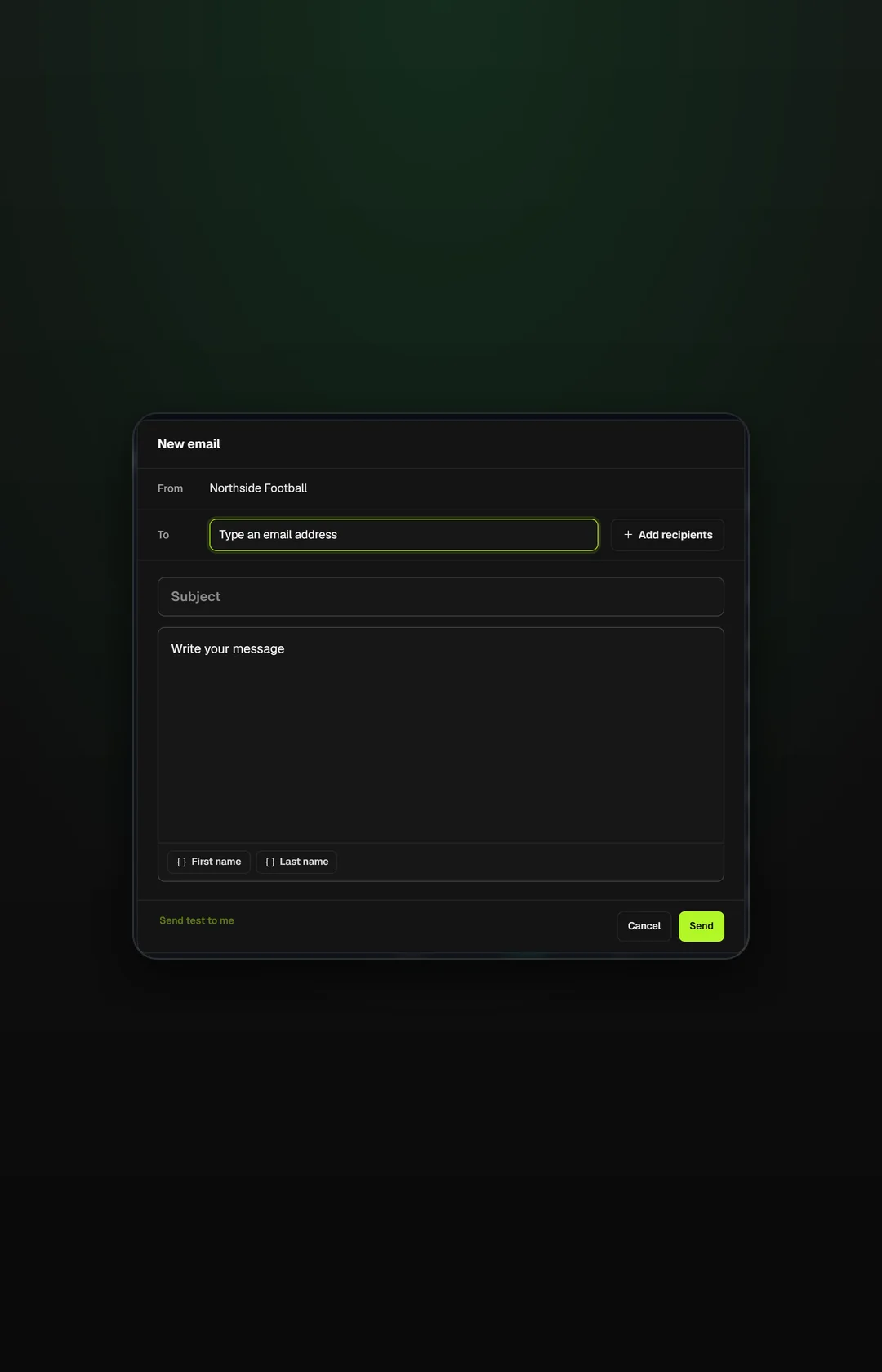
Message the team you're looking at
Send from the team screen itself, so a court change reaches the right families first time.
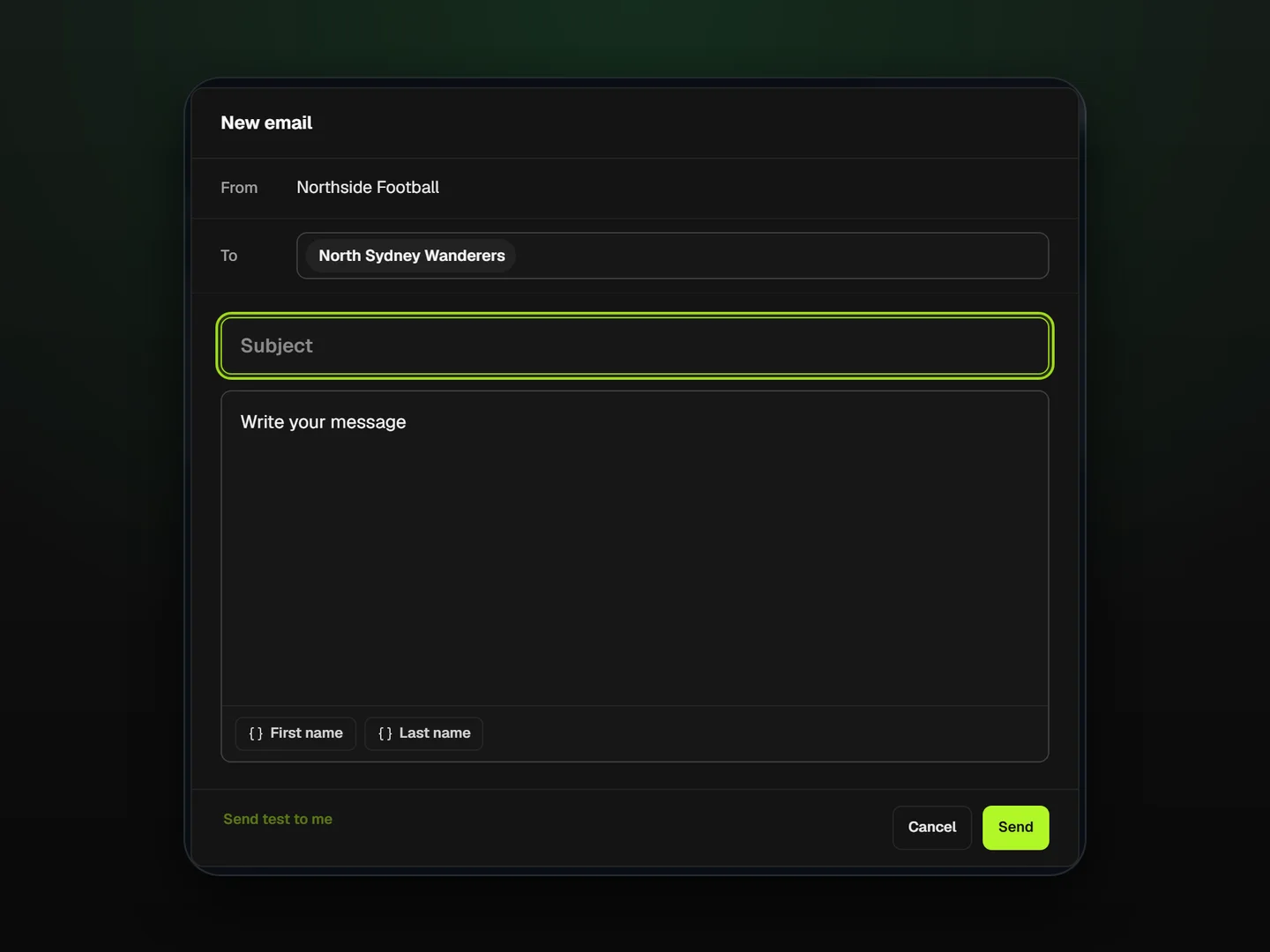
Four steps to a team that knows
Open the team
Write the message
Pick email or text
Parents get it
Reach the people who missed the last email
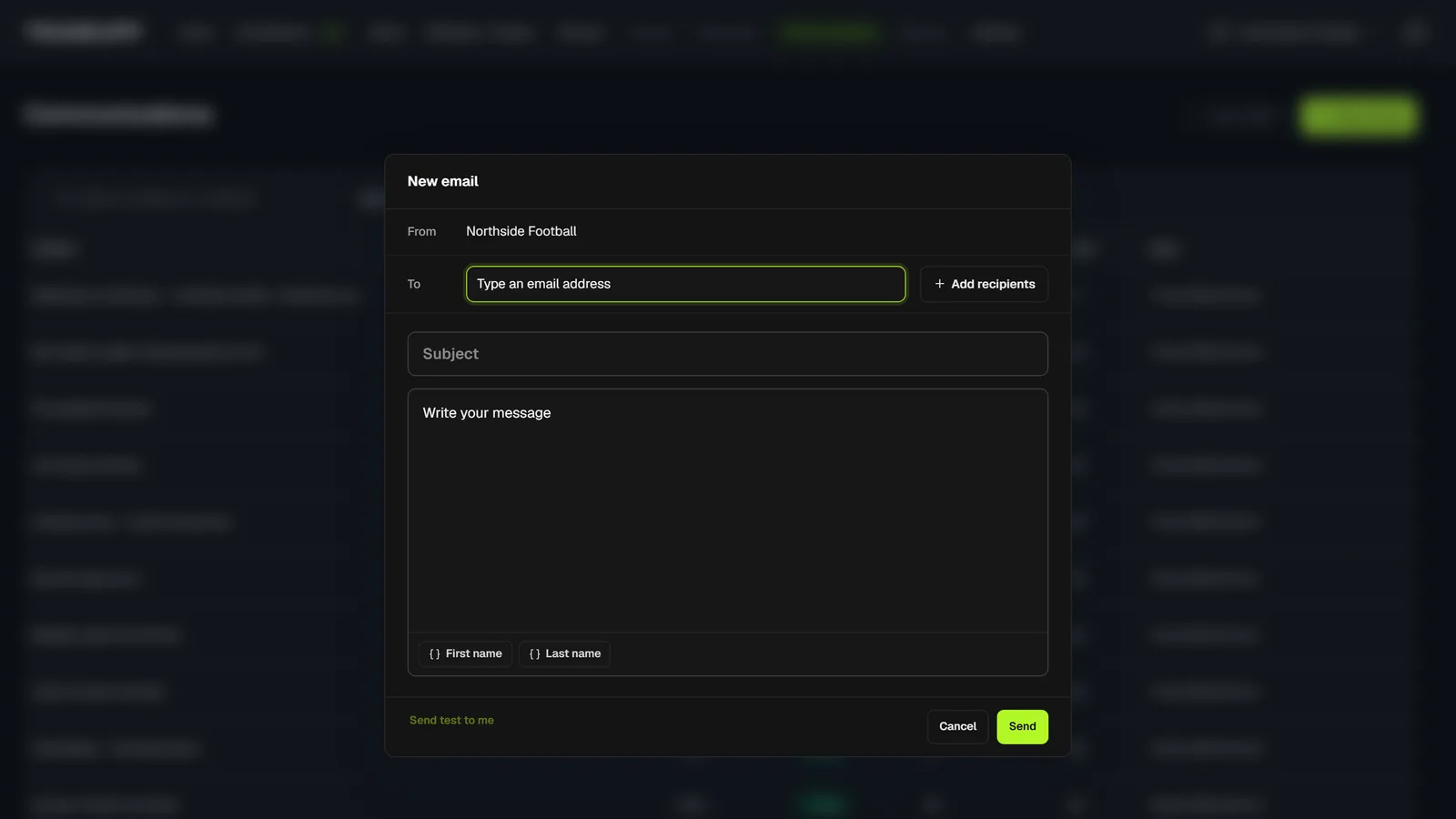
Email or text from one screen
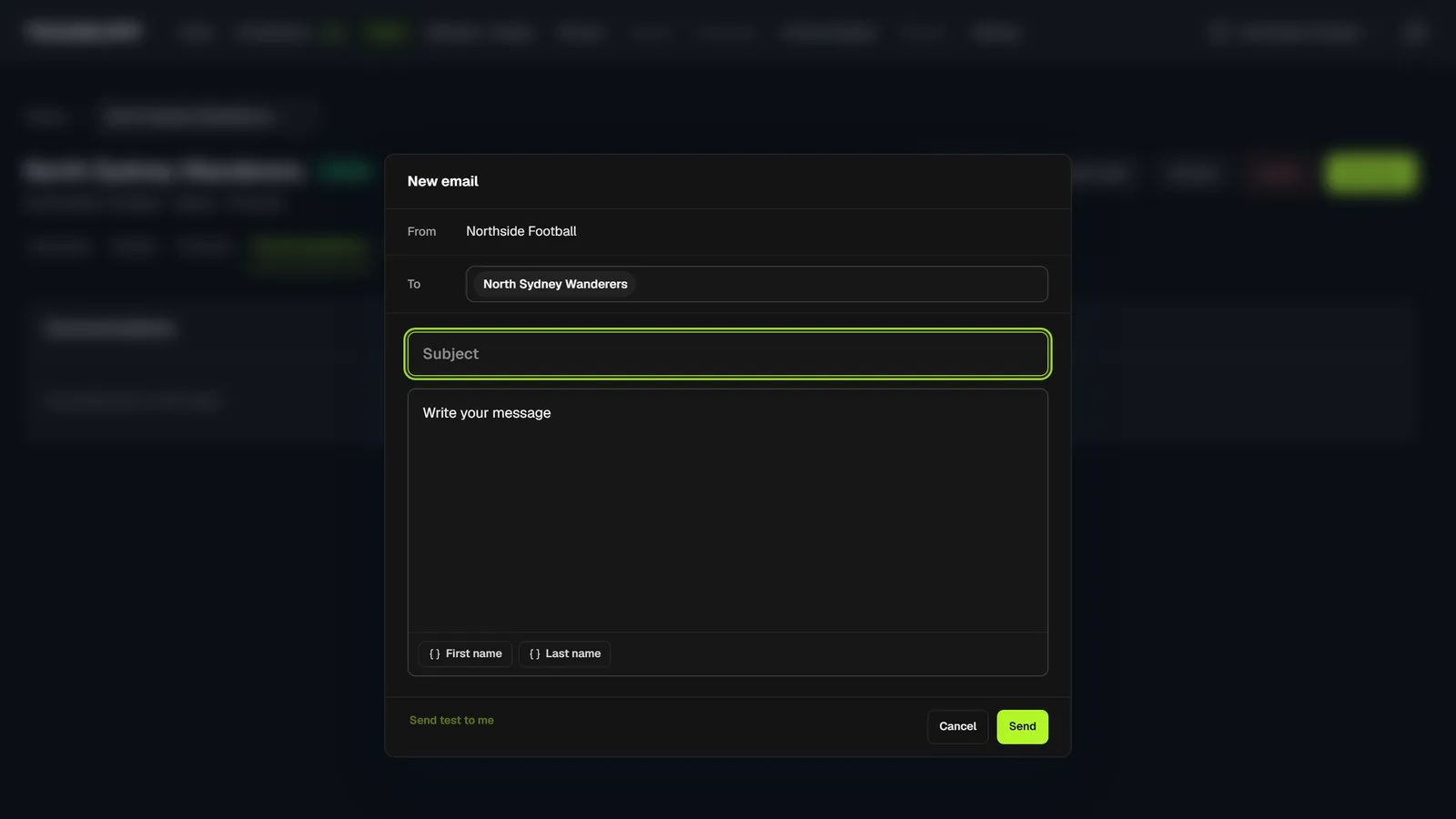
Only that team's players and parents
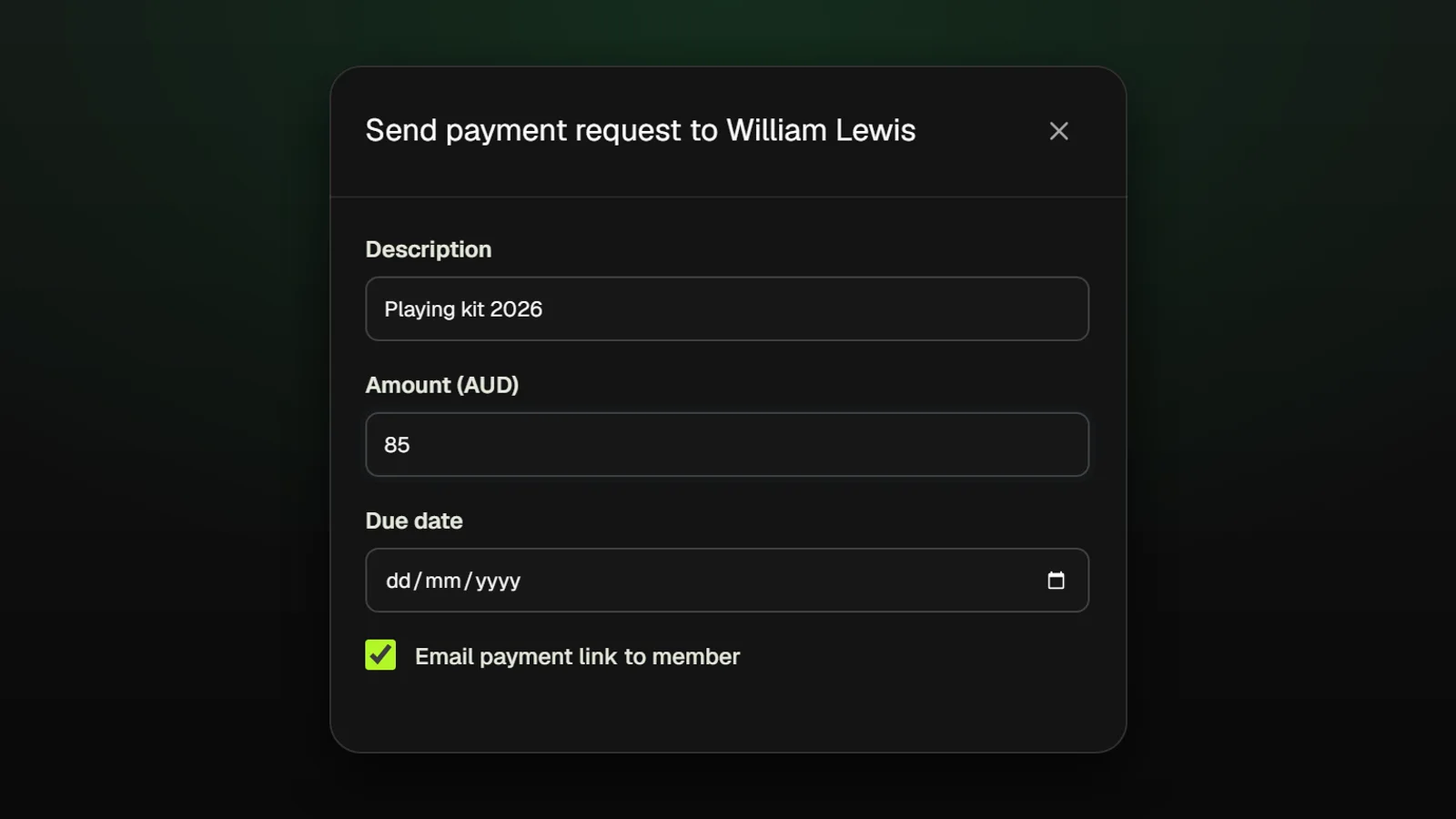
Invoices that tell the player
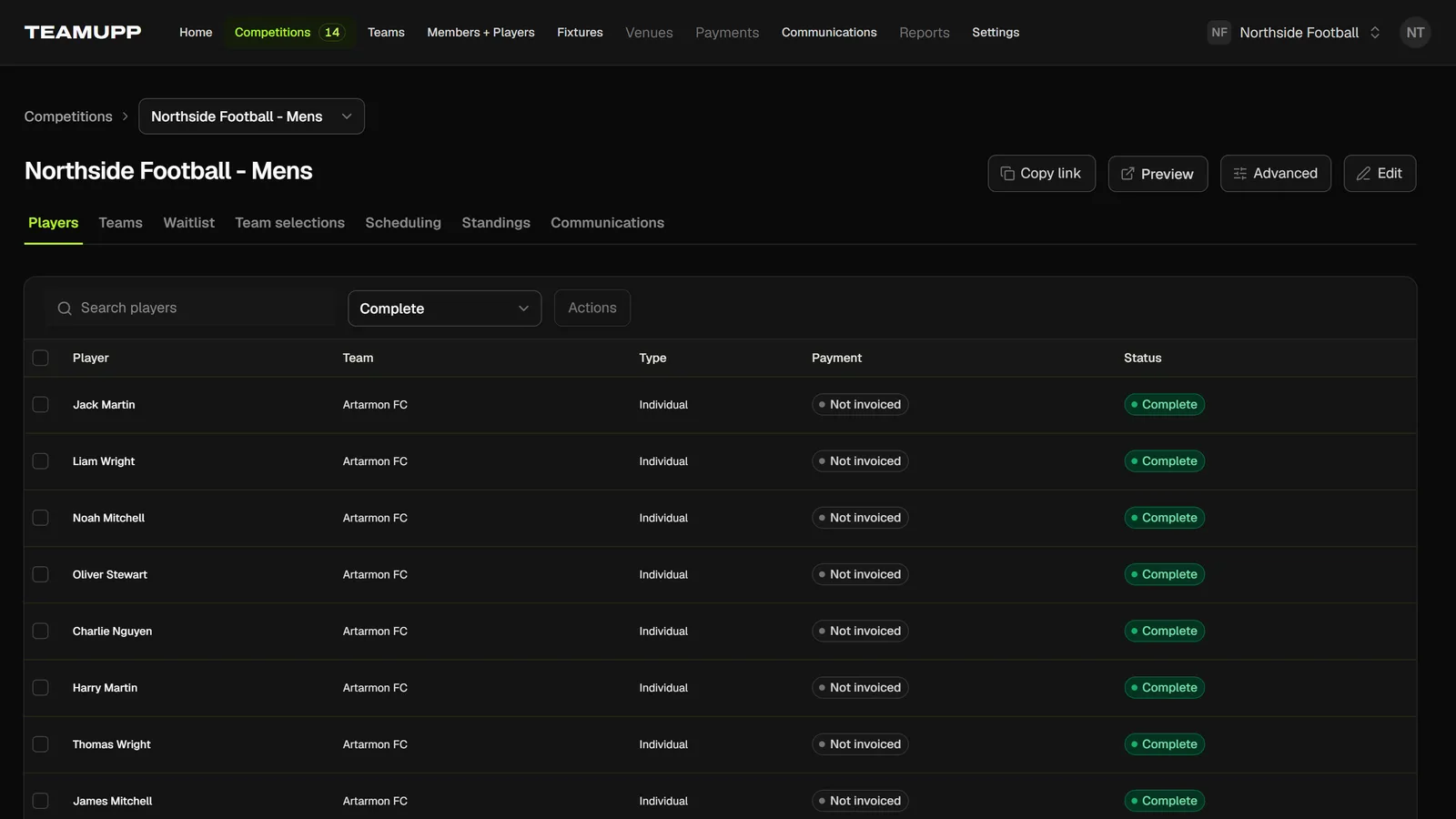
Confirmed emails from day one
Will my messages reach real inboxes?
Every registration confirms its email before it completes, so the list you message is made of addresses that work.
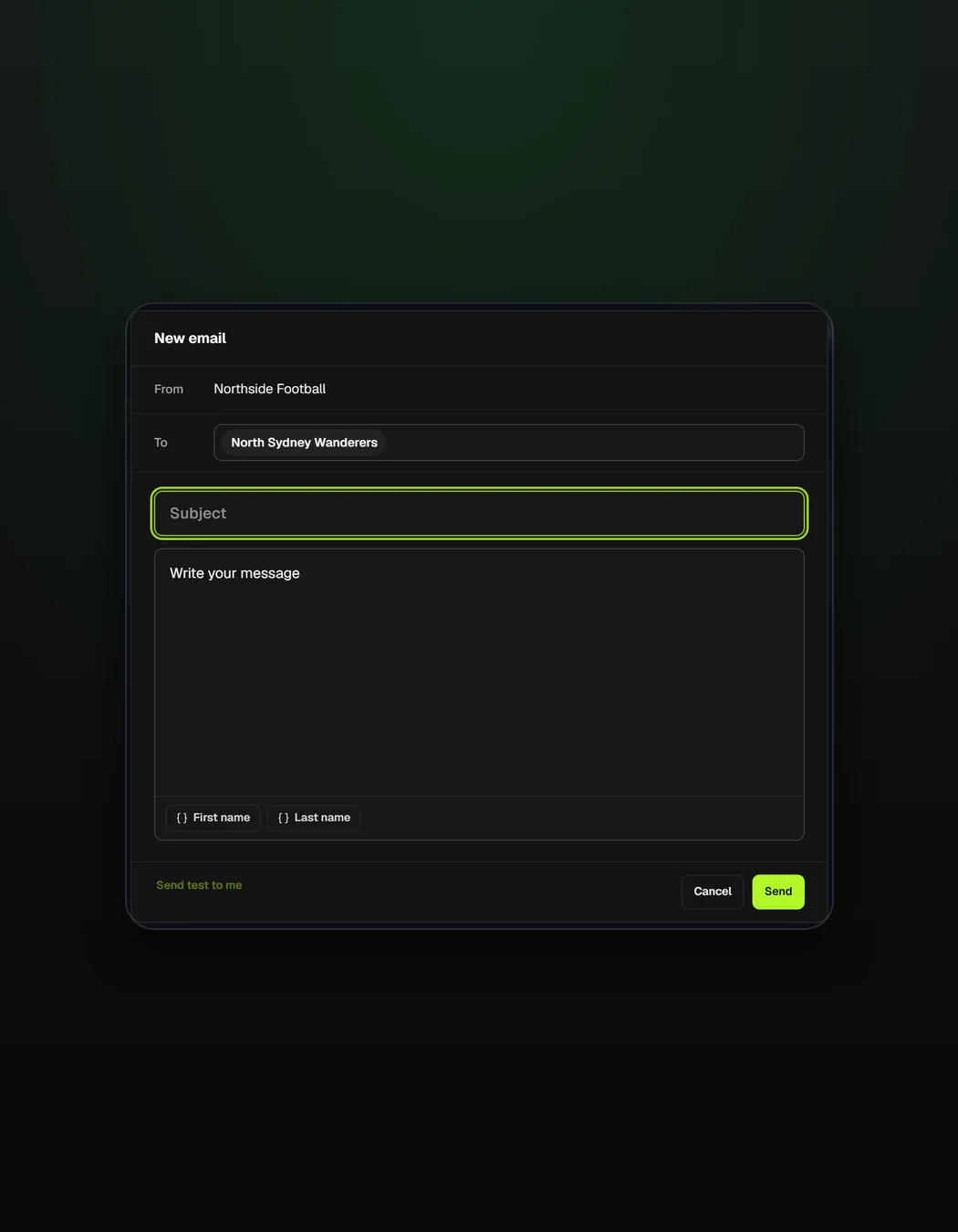
Tell one team their game moved
Change a court or time on the schedule, then message just the two teams involved.
See schedulingWhat changed for Just Futsal
Visit Just Futsal“When a court changes I message the two teams from their page, so parents hear it from us before they hear it from each other.”

Messages work from every part of the season
What organizers ask about messaging
No. Messages arrive as email or text, so parents read them where they already read everything else.
Yes. Send from the team screen and only that team's players and parents receive it.
Yes. When you add a line item such as kit to an invoice, the player hears about it by email or text.
A registration doesn't complete until the email is confirmed, so nobody ends up on a team you can't reach.
Yes. Keep the group chat for team banter and use TeamUpp for anything every family has to see, like a court change or an unpaid invoice.