Build the schedule, then drag it into shape
Generate a round robin or knockout across your venues, then swap courts and merge rounds with clashes flagged.
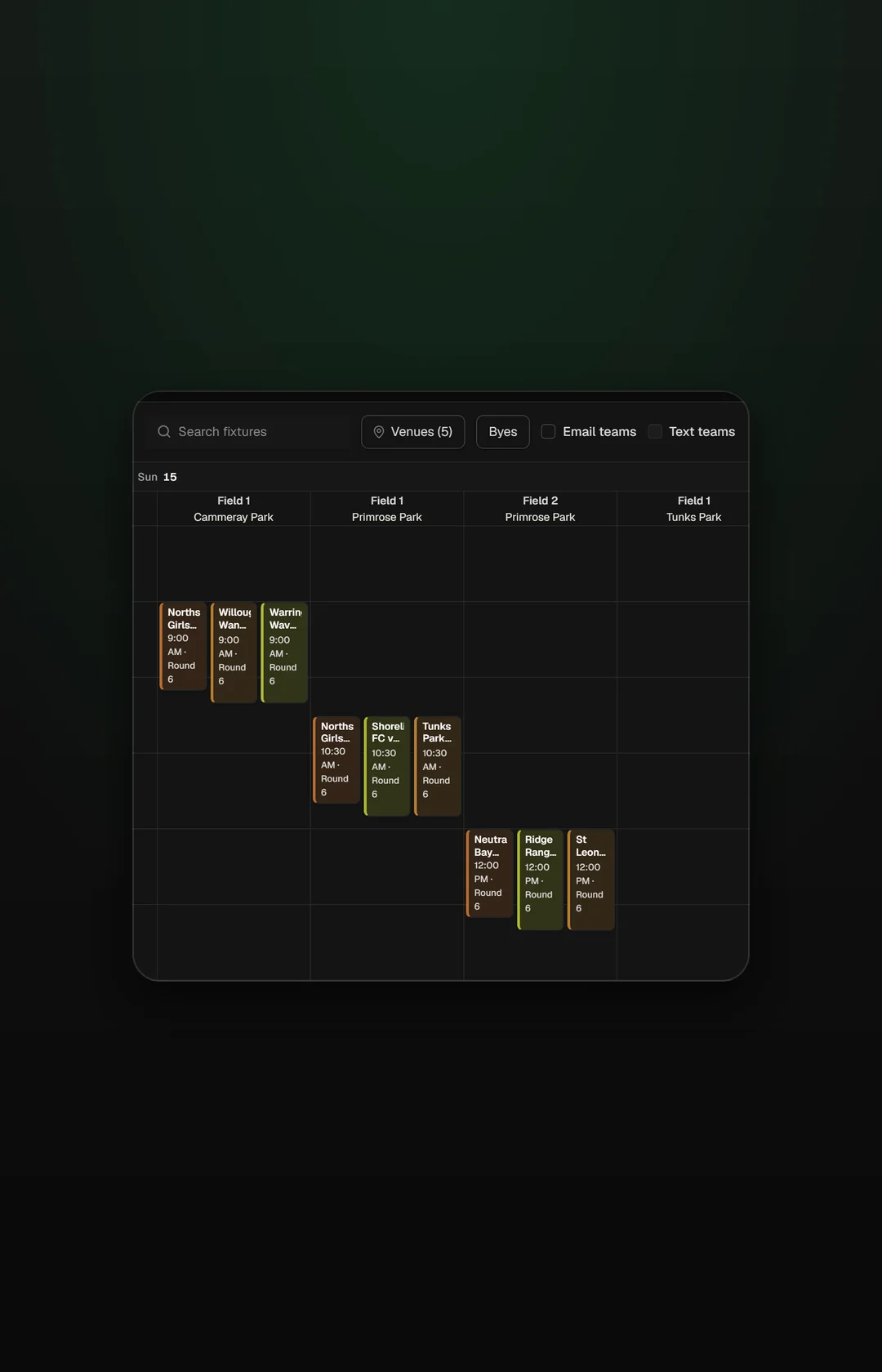
Drag a game and watch the clashes clear
Move a game to another court or time and any clash shows before you publish.
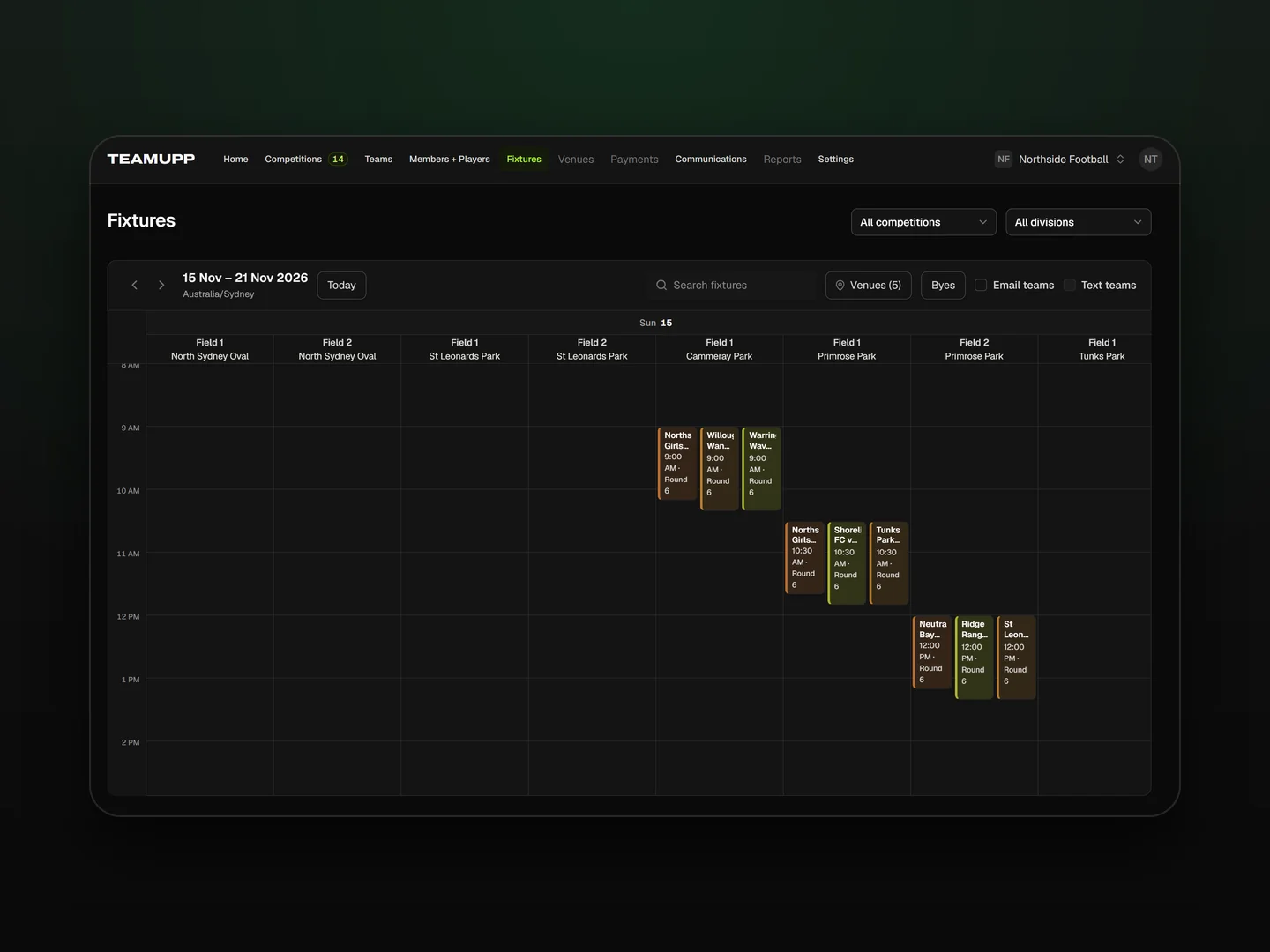
Four steps to a published schedule
Add venues and courts
Generate the rounds
Drag games into place
Publish to parents
Handle the rounds a spreadsheet can't
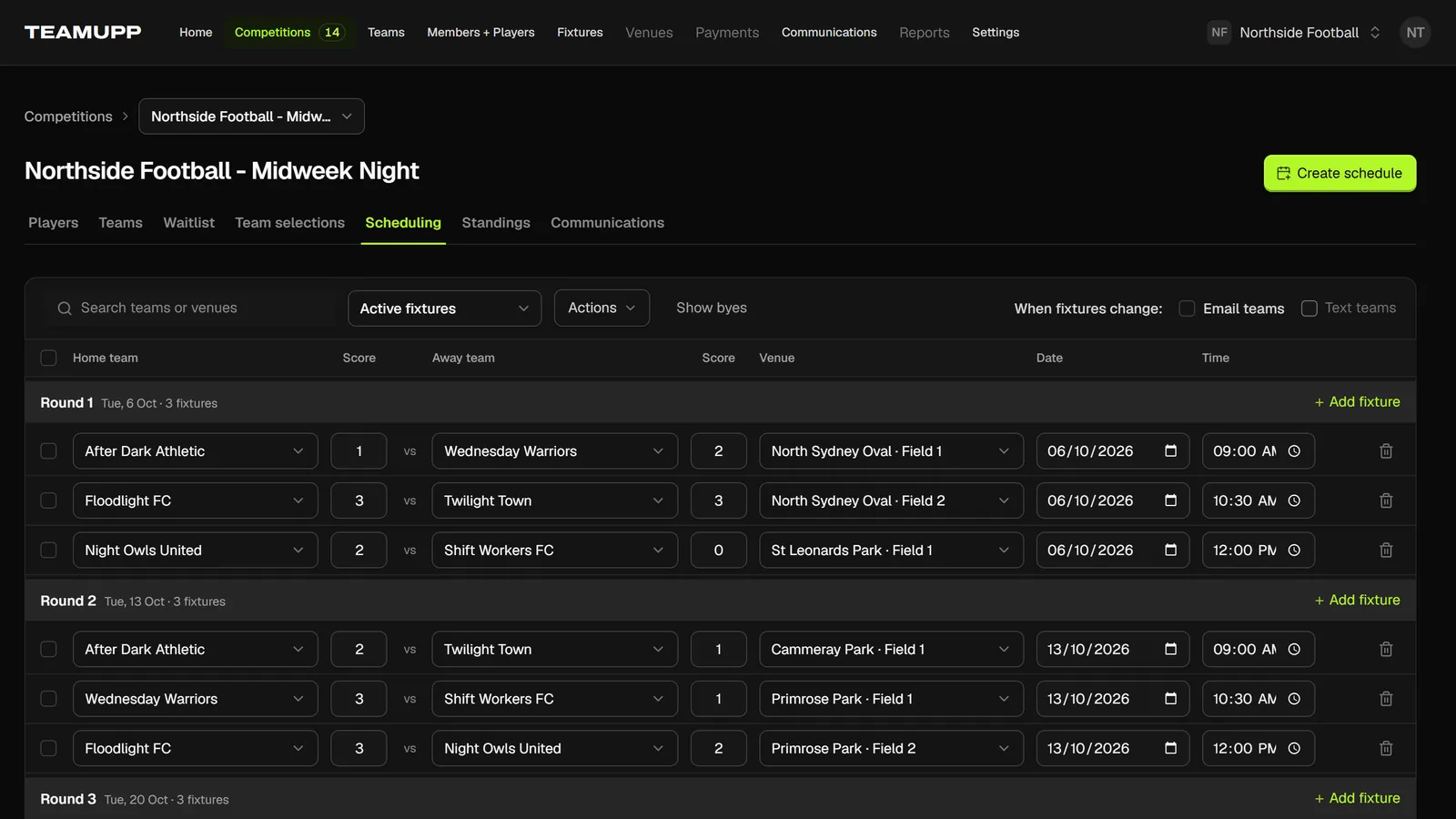
Byes handled for odd numbers
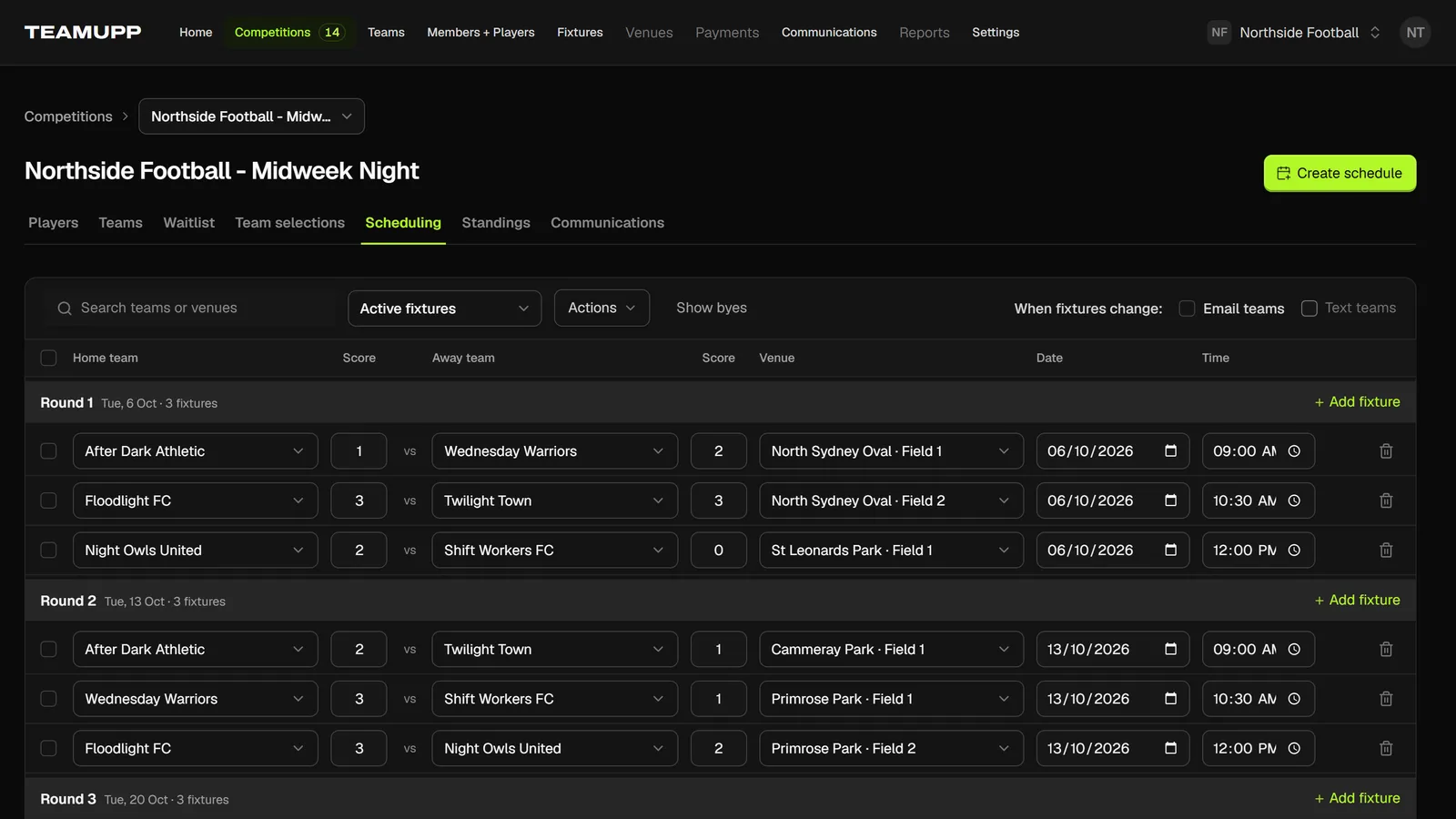
Merge rounds for a mega-round day
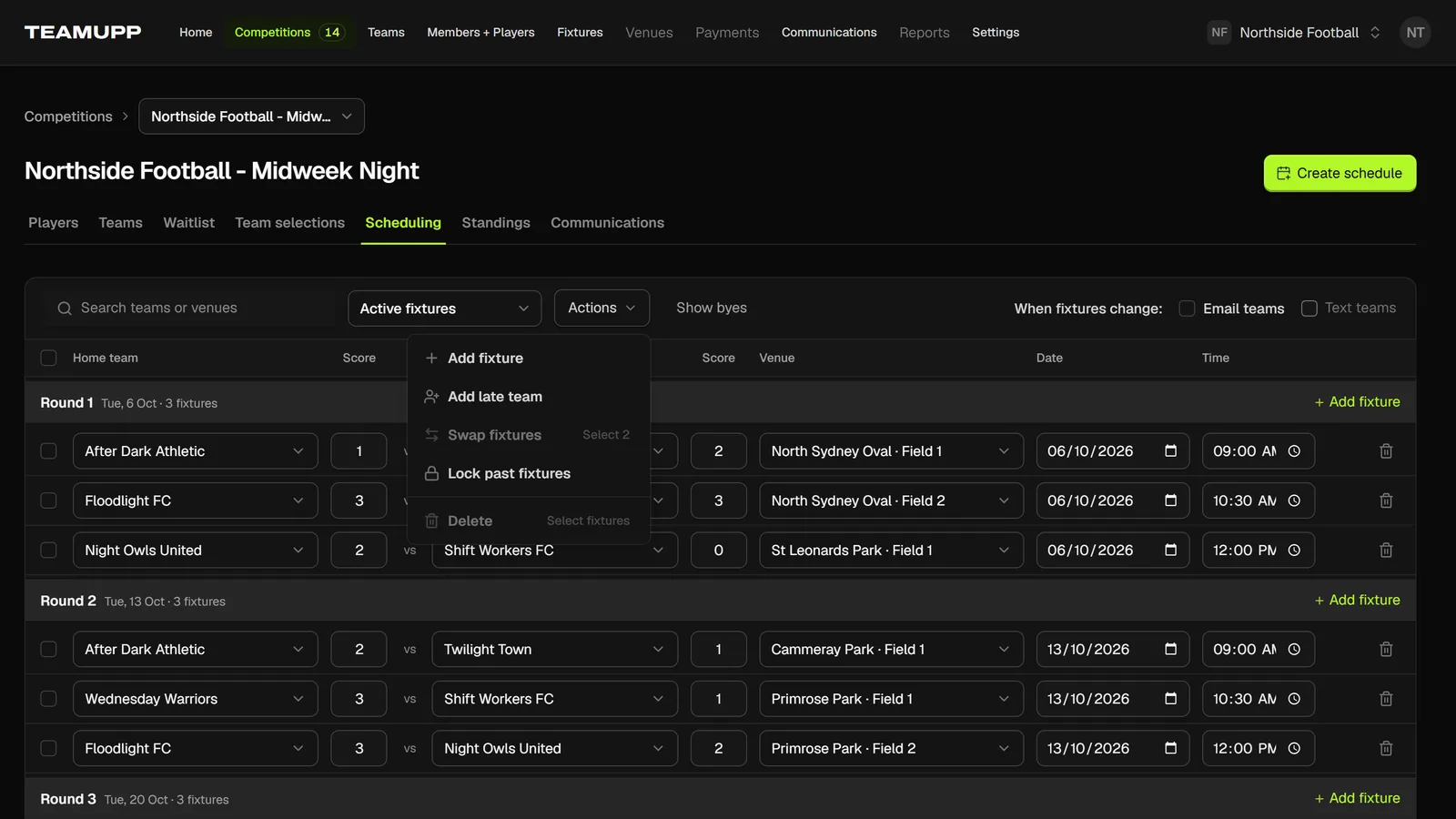
Swap two courts in one move
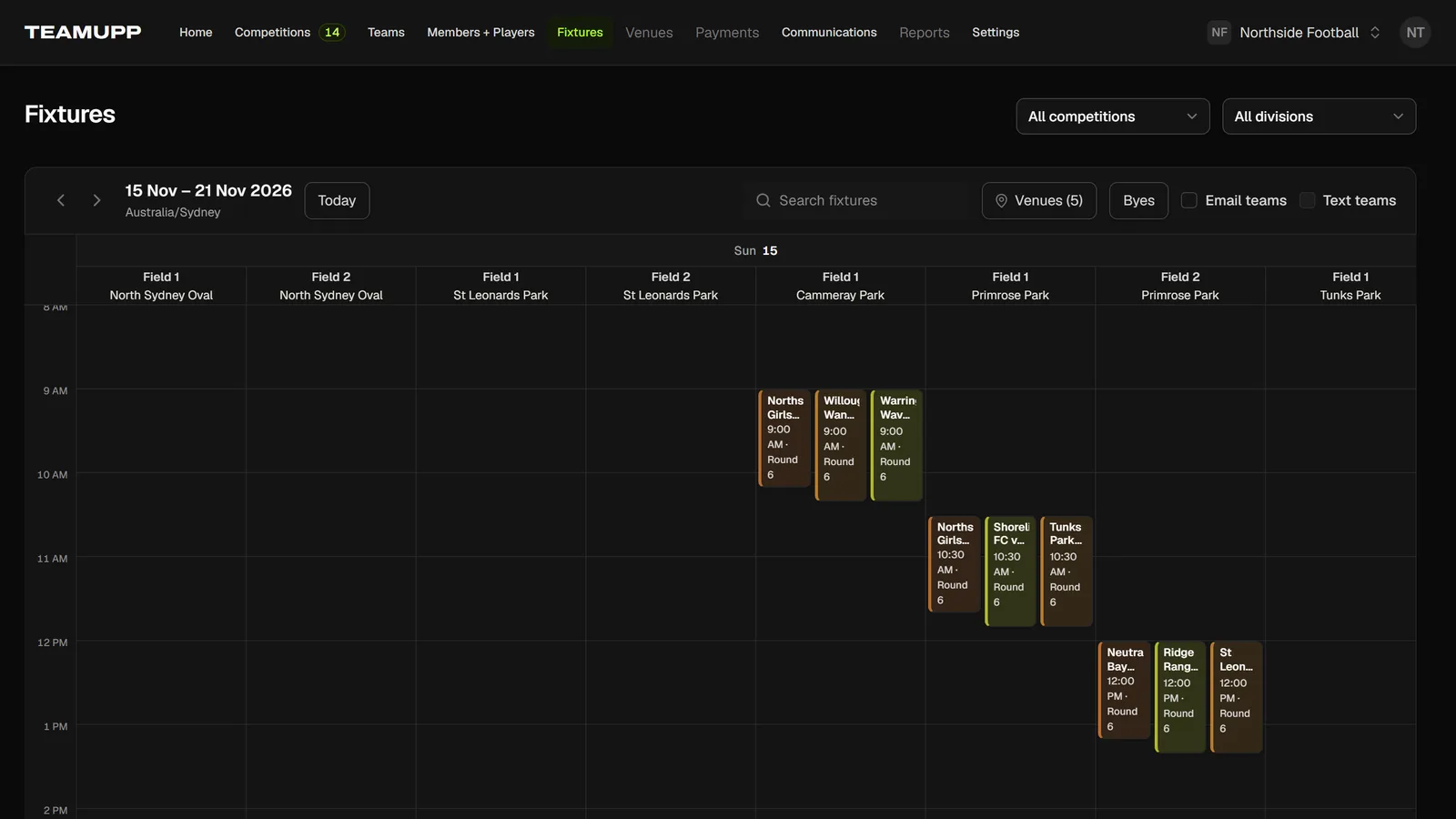
Clash warnings before you publish
What happens with an odd number of teams?
Each round one team has a bye, and over a full round robin every team sits out once, so nobody gets an extra rest.
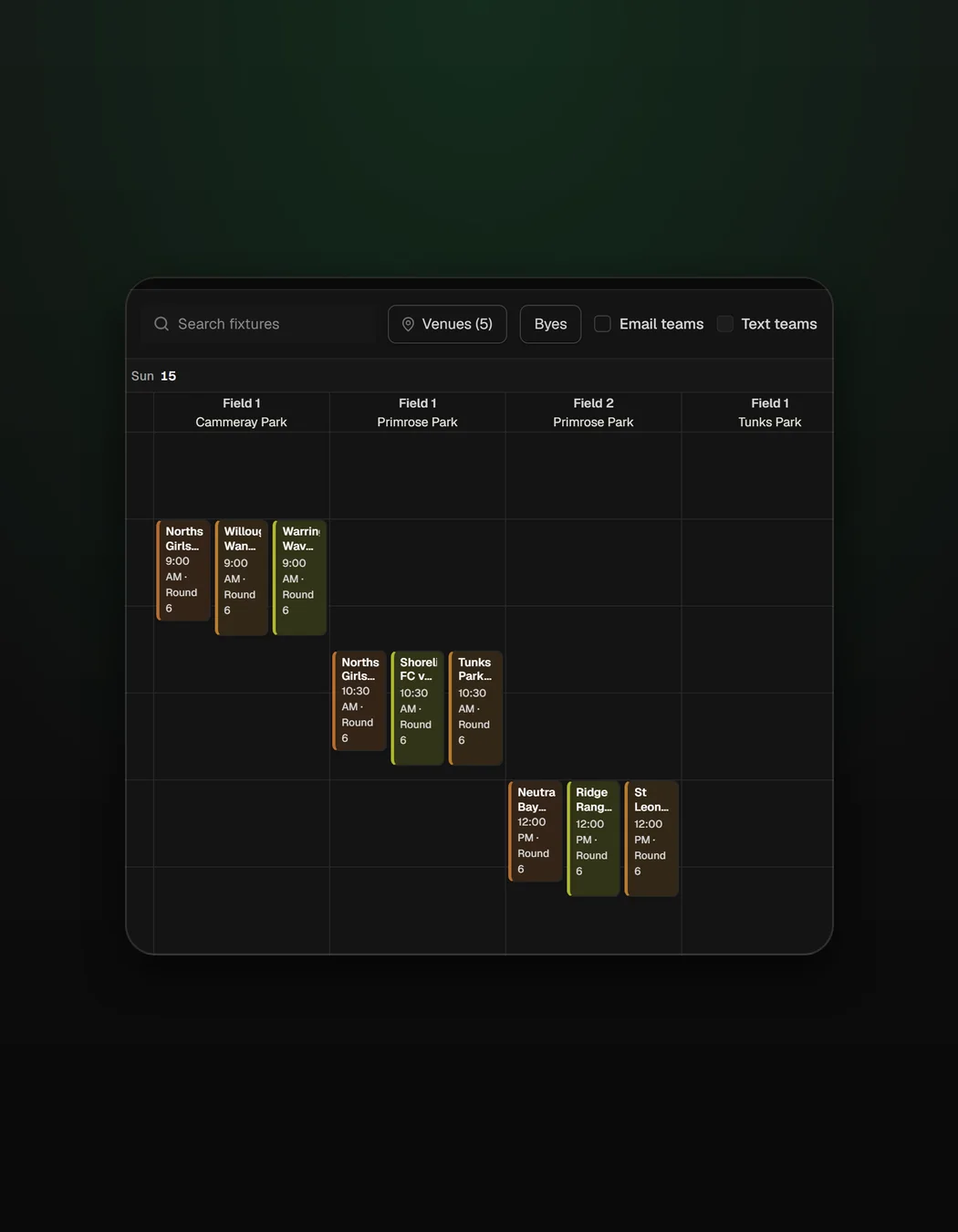
Reschedule a rainout without starting over
Drag the affected games to a new date and the rest of the schedule stays as it was.
See how results reach the standingsWhat changed for Just Futsal
Visit Just Futsal“When a court gets double booked I drag the games to another slot, and TeamUpp tells me straight away if anything clashes.”

The rest of the season runs off the schedule
What organizers ask about the schedule
Yes. Generate a round robin for the season or a knockout for finals and cup days, then adjust any game by hand.
When a move creates a clash, TeamUpp flags it on the schedule before you publish, so you can fix it before parents see it.
Yes. Merge two rounds into one mega-round day when the venue gives you extra courts, then drag the games into the time slots you have.
With an odd number of teams, one team has a bye each round, and every team sits out once over a full round robin.
Published changes show on the public schedule page, and you can message the teams affected by email or text.